What it handles

What our AI dental receptionist handles On the phone, on the calls your front desk can’t get to: from a toothache at night to a question about Saturday hours.

Pure Reception: the calls it answers

A complete message, every time.

On every call it answers, it answers with your name, takes the message and marks what’s urgent. When a call needs your team, it alerts them. Anything it isn’t sure about becomes a message instead of a guess.

  • Answers with your name

    Your office name, its own name and voice, and a greeting that says the call is recorded.

  • Takes the message

    The caller’s name, the best call-back number and what they need.

  • Marks what’s urgent

    Urgent calls are marked on the call-back list, so your team calls them first.

  • Alerts your team

    Right after a call that needs them, on the phones and computers where they switched alerts on. No patient details in the alert.

Take a closer look

Urgent calls

Emergencies, calmly

Toothache, swelling, a broken or knocked-out tooth, bleeding.

It never gives medical advice. For a life-threatening emergency, it tells the caller to call 911. For a dental emergency, it says what you want it to say, for example your on-call number. It marks the call urgent, so your team sees it first.

If you ask for it, it can also put the caller through to a number you give us.

When a patient calls in pain

Example callA demo practice

SaturdayAfter closing

  1. Parent: My son knocked out a tooth at soccer practice.
  2. Receptionist: I’m sorry. For a dental emergency, the practice asks you to call the on-call number, 555-0142. I’m also marking this urgent for the team. What’s the best number to reach you?

Urgent message taken, team alerted.
Appointments

Appointment requests, passed on

It doesn’t book appointments at first. It takes the patient’s name, number and the visit they want, and your front desk calls back to book it.

Booking on the call can be added later, into your own scheduling system, if that system allows it.

Your practice software and calendars

Example callA demo practice

6:10 pmBoth lines busy

  1. Patient: I need to cancel tomorrow’s cleaning.
  2. Receptionist: I’ll let the front desk know right away. Would you like them to call you about a new time?

Message taken, on the call-back list.

Questions

Questions, answered

Hours, location, parking, services, which insurance plans you accept, prices if you give them, and your policies, answered from your practice’s own facts.

If it isn’t sure, it takes a message instead of guessing.

What an AI dental receptionist is, and how it works

Example callA demo practice

12:40 pmLunch

  1. Patient: Are you open on Saturdays?
  2. Receptionist: Yes, Saturdays from 9 until 2. Would you like the front desk to call you to book a visit?

Answered from the practice’s own facts.

Messages

Messages and call-backs

The caller’s name, the best call-back number and what they need, written down on every call it answers. Urgent ones are marked, and everyone who needs a call back lands on your to-call-back list.

Your team gets an alert on their phone or computer right after a call that needs them. The alert shows no patient details. They read the full message, with the recording and transcript, in your private portal.

Pure Receptionnow

A caller needs a call back

Open the app to see the details.

To call backSample data

  • Urgent, 7:42 pmCracked tooth, in pain. Call back first.
  • Existing patient, 2:30 pmCould the doctor call about a crown?
  • New patient, 8:05 amWould like a cleaning.

After hours

After hours, your way

It knows your hours. When you’re closed it takes a message and gives your emergency instructions, so your team starts the morning with a list of who to call back.

It can take more than one call at the same time.

Four ways to cover after-hours calls

Example callA demo practice

9:20 pmClosed

  1. Patient: Hi, is anyone there? I’d like to book a cleaning.
  2. Receptionist: We’re closed for the evening, but I can take your details now, and the front desk will call you to book it.

Message taken, on the morning’s call-back list.

Your greeting

Your name, your voice

Your receptionist answers with your office name and gets its own name, voice and greeting. The greeting tells callers the call is recorded, and if a caller asks, it says it’s an AI.

It answers in English. Spanish can be added on request, and we test it with you before it takes a real call.

Disclosure and recording rules

Example greetingHow a practice’s greeting sounds

Any hourEvery call

  1. Receptionist: Thanks for calling Luxe Dental, this is Sophie. This call is recorded. How can I help?

An example of a practice’s greeting, shown with our demo practice. The demo line’s own greeting is a little different.

For every kind of dental practice

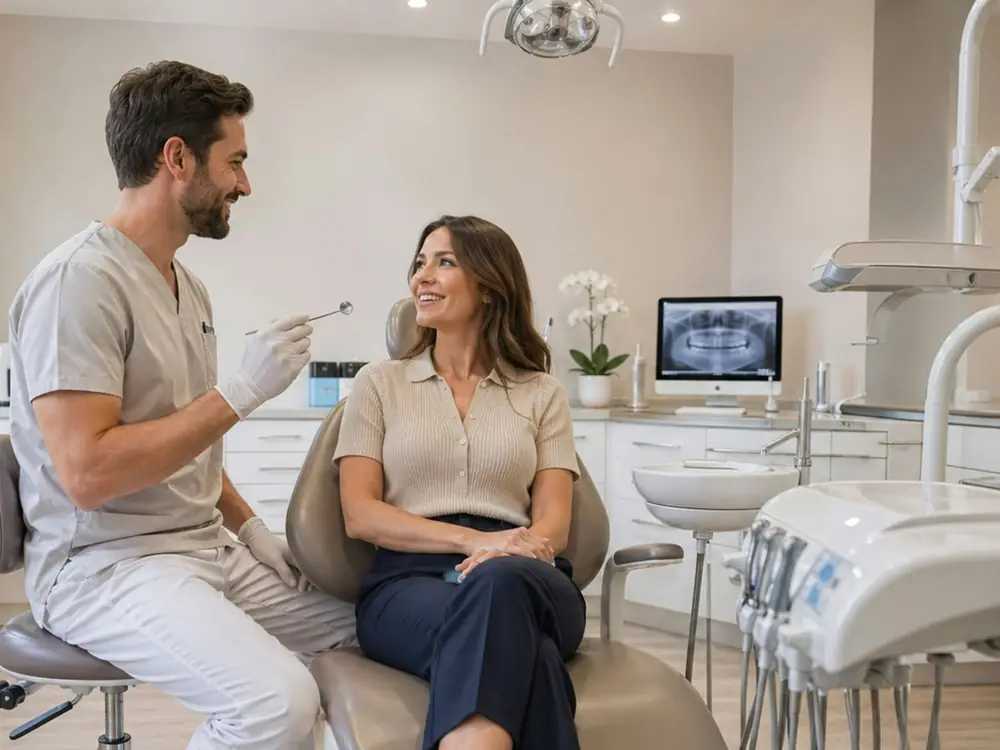
  • A dentist smiling as he talks with a patient

    General dentistry

    Cleanings and checkups, new patients, toothaches and insurance questions, all day and after hours.

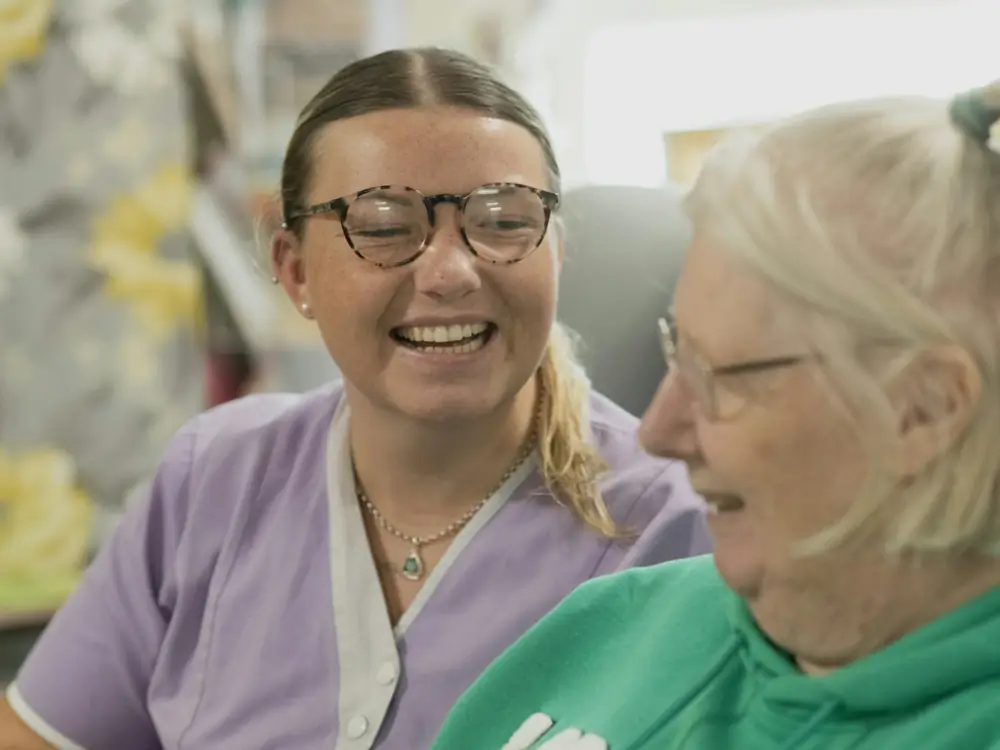
  • A dental team member laughing with a patient

    Pediatric dentistry

    Parents asking about first visits and after-school appointments, and calling about a chipped or knocked-out tooth.

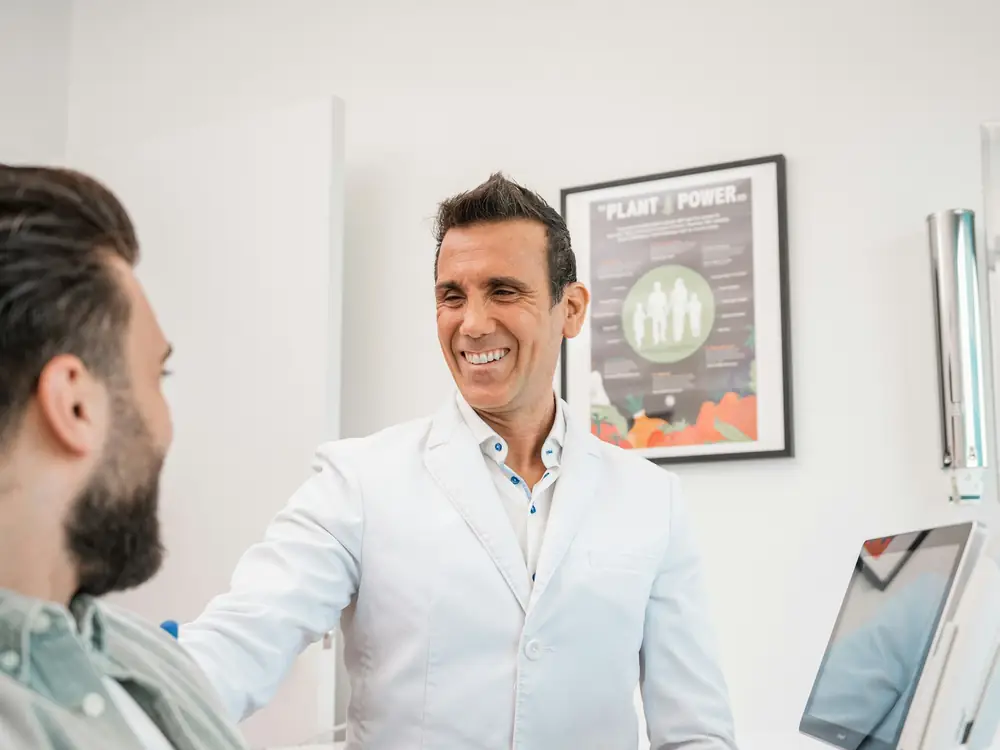
  • A dentist talking with a patient in the chair

    Orthodontics

    Consult requests, adjustment changes, and patients with a loose bracket or a poking wire who want a call back soon.

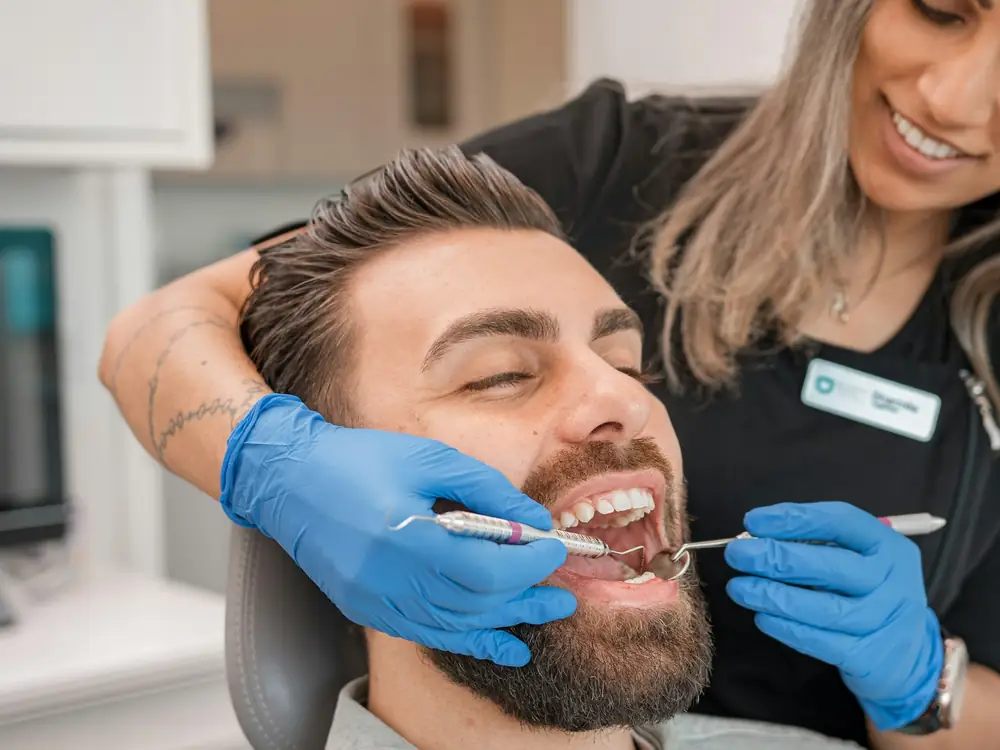
  • A hygienist working on a smiling patient

    Cosmetic and implants

    Questions about whitening, veneers and implants, answered from your own facts, with every new enquiry written down for your team.

Try it now

Hear Sophie answer your question

Call our demo line any hour, any day. Ask about hours or insurance, or leave a message, the way a patient would.

Sophie answers for Luxe Dental, a demo practice. On the demo line she books into a sample calendar, so nothing booked is real. A new practice starts with messages.